
Where ues.io fits
Designed for Systems that Can’t Afford to Fail
REAL WORLD EXAMPLE:
Global Logistics Firm Replaces a Spreadsheet That Ran Its Business
The Problem:
A global freight company managed carrier rate negotiations through a single shared spreadsheet — 40+ tabs, dozens of embedded macros, and a web of email approvals layered on top. Over 200 people touched it monthly. When the analyst who built it left, no one fully understood the logic. Rates went out wrong, margins leaked, and a quarter-end audit flagged the process as a material control risk. Rebuilding it as “real software” had been quoted at 9 months and a seven-figure budget — so they kept patching the spreadsheet instead.
The Solution:
Using ues.io, their internal team rebuilt the entire rate-management process as a durable internal application in under six weeks. AI-powered orchestration generated the data model, workflows, and UI from their existing logic. Access was secured at the record level — regional managers saw only their lanes, finance saw margins, carriers saw nothing they shouldn’t. Approval steps that once lived in email became governed checkpoints inside the app, with humans signing off on every rate change before it went live. As contract terms evolved, they extended the app instead of bolting on new macros — and deployed updates to every regional team instantly through managed packages.
The Savings:
The rebuilt process eliminated roughly 2,400 hours of manual work per quarter across the team and closed the audit finding entirely. Margin leakage from pricing errors — previously around $1.8M annually — effectively went to zero. Total measurable benefit in year one exceeded $3.5M, against a build cost a fraction of the original software quote, with ROI inside the first quarter.
This is the pattern we see repeatedly: the spreadsheet that “just works” is usually the one quietly putting the business at risk. We’ll rebuild one of yours in a half-day prototype session.
Capabilities
- Connect to any proprietary database for restructuring
- Build new user experiences on existing data without migrating it
- Introduce AI-powered workflows without replacing foundational systems
- Clean context for AI agents — structured legacy data improves agent accuracy
- Connect legacy systems as-is. Modernize at your own pace.
Real World Examples
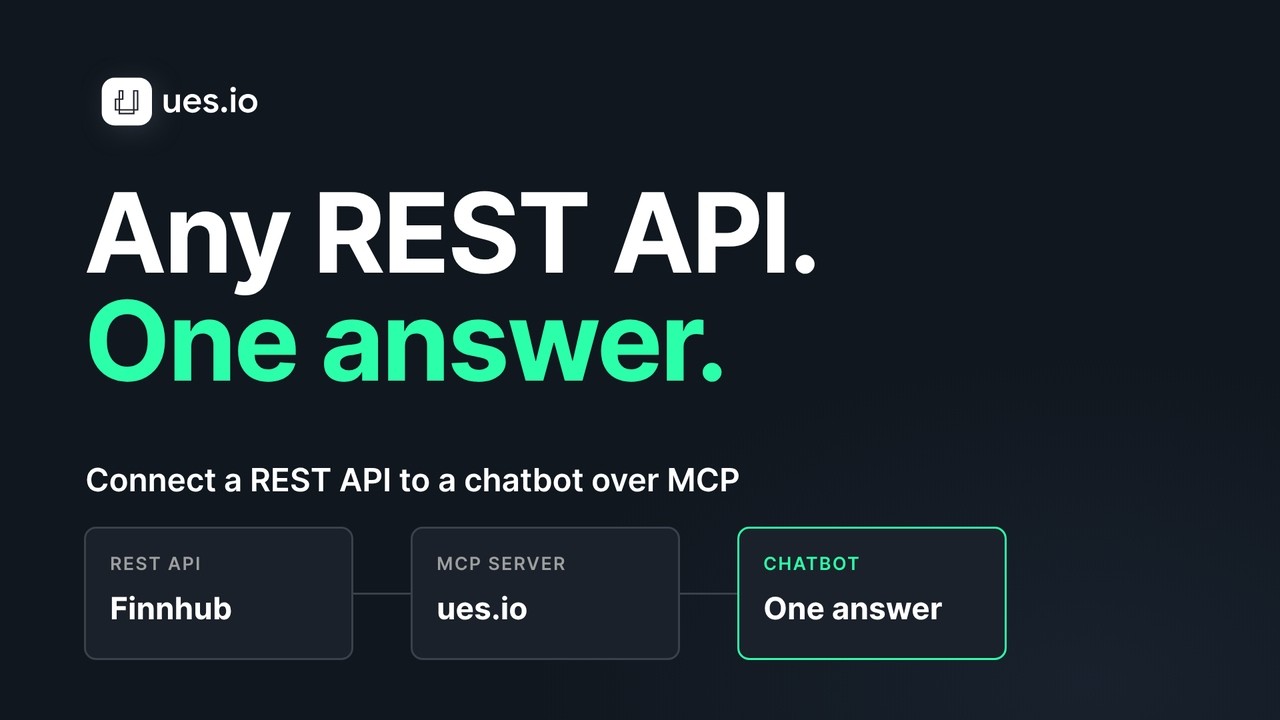 Demo video availableConnect any REST API to a chatbot over MCPWatch the demo (2:20)
Case EXAMPLE:
Insurance Carrier Modernizes a 30-Year-Old Core System Without Touching It
The Problem:
A regional insurance carrier ran its policy administration on a mainframe-era system built over three decades. It worked — it held millions of policies and the institutional logic of the entire business — but it was slow to change, painful to integrate, and impossible to hire for. Underwriters jumped between green screens and side spreadsheets to do basic tasks. Every vendor pitched the same answer: a multi-year, eight-figure rip-and-replace that would risk the business and discard 30 years of embedded knowledge. Leadership kept saying no, and the modernization gap kept widening.
The Solution:
Using ues.io, the carrier left the core system in place and built on top of it. ues.io connected directly to the legacy database and existing services via OData and REST — no migration, no data moved. Their team built modern underwriter interfaces and streamlined workflows on the existing data, then layered in AI-powered automation for triage and document review. Because the legacy data was now exposed as structured, reliable context, the AI agents made noticeably more accurate decisions than earlier attempts fed by fragmented spreadsheet inputs. The core system kept running as the system of record; modernization happened incrementally, on the team’s own timeline, without a single high-risk cutover.
Related demo
The carrier example builds on top of a legacy core system through its existing interfaces. This demo shows one part of that: connecting a REST API to a chatbot over MCP.
- A REST API connected to a chatbot over MCP
- Claude answers a question from the API
- The answer matches what the app shows
Jump to: Ask Claude (1:24) · The answer matches the app (1:47)
Demo: a REST API connected to a chatbot over MCP. Sample data. Shows Claude’s answer matching what the app shows.
The Savings:
The carrier delivered a modern underwriting experience in months instead of years, avoiding an estimated $12M+ rip-and-replace program entirely. Underwriter handling time dropped by roughly 35%, and improved AI accuracy on triage reduced costly misclassifications. Net measurable benefit in the first year exceeded $4M, with the legacy investment preserved rather than written off — and zero disruption to live operations.
The lesson we see again and again: you don’t have to choose between risky replacement and standing still. You can connect to one of your legacy systems and build a working modern interface on top of it in no time.
Capabilities
- MCP-native agent orchestration with human-in-the-loop (HITL) support
- Agent control: profiles and permission sets built into the runtime and evaluated at user level
- Connect to external MCP servers, LLMs, and SLMs — or run private models on your own infrastructure
- Switch models freely — no rearchitecting, no lock-in, no downstream impact
- Policies and guardrails enforced at the platform level, and per-agent
- Agent traceability and cost control center keeps you within budget
Real World Examples
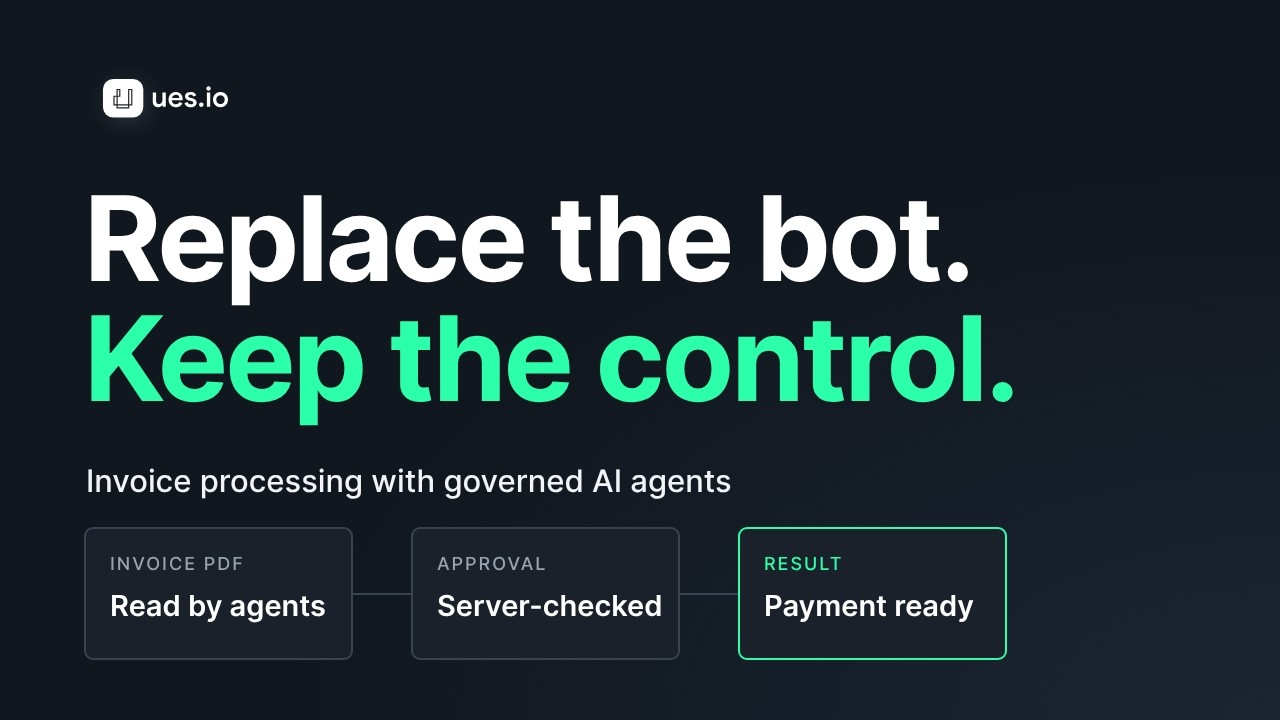 Demo video availableReplace your invoice bot with governed AI agentsWatch the demo (3:11)
Case EXAMPLE:
Global Bank Deploys AI Agents Its Security Team Actually Approved
The Problem:
A multinational bank wanted to put AI agents to work across operations — processing requests, routing exceptions, drafting responses. But every general-purpose agentic platform they evaluated failed the same review: proprietary runtimes the security team couldn’t inspect, opaque dependencies on a single model vendor, and no way to enforce who an agent could act for or see. The risk and compliance teams rejected each one. Meanwhile, business units frustrated by the delay had started wiring agents to external AI tools on their own — creating exactly the ungoverned shadow-AI exposure the bank feared most.
The Solution:
Using ues.io, the bank deployed agentic applications entirely inside its own security perimeter. Agents were orchestrated MCP-natively with human-in-the-loop checkpoints on every consequential action. Critically, agents inherited the same profiles and permission sets as users — evaluated at the platform level at runtime — so an agent could never see or do more than the person it acted for. The bank connected approved external MCP servers and ran sensitive models privately on its own infrastructure, switching between LLMs and smaller specialized models freely without rearchitecting. Every agent action was logged and traceable, with a cost-control center keeping spend within budget. Security signed off because governance wasn’t bolted on — it was the foundation.
Related demo
The bank example routes work between agents and approvers. This demo shows the same mechanics on supplier invoices.
- One invoice approved automatically
- One approved by the right person
- One blocked on the server and rejected
- Every step recorded in Agent Traces
Jump to: Blocked on the server (2:15) · Agent Traces (2:51)
Demo app: invoice desk. Sample data. Three invoices: one approved automatically, one by the right person, one blocked and rejected.
The Savings:
The bank moved from stalled pilots to production agents in a single quarter, work that prior platforms had blocked for over a year. Eliminating shadow-AI usage closed a compliance exposure the bank valued in the tens of millions in potential regulatory and breach risk. Operational automation recovered an estimated $5–7M annually in manual processing, while model flexibility cut inference costs by roughly 30% versus single-vendor lock-in — all inside a governance model the security team owned end to end.
The pattern is consistent: the blocker to enterprise AI isn’t capability, it’s governance. We’ll stand up a governed agent on one of your real workflows in a half-day prototype session.
Capabilities
- Banking-grade compliance: FINMA, GDPR, DORA, EU AI Act — built into the infrastructure of your choice
- Private cloud, on-premise, or air gapped deployment supported
- Proprietary data stays inside your perimeter — no third-party data residency risk
- Human-approval checkpoints for any agentic action affecting sensitive data
Real World Examples
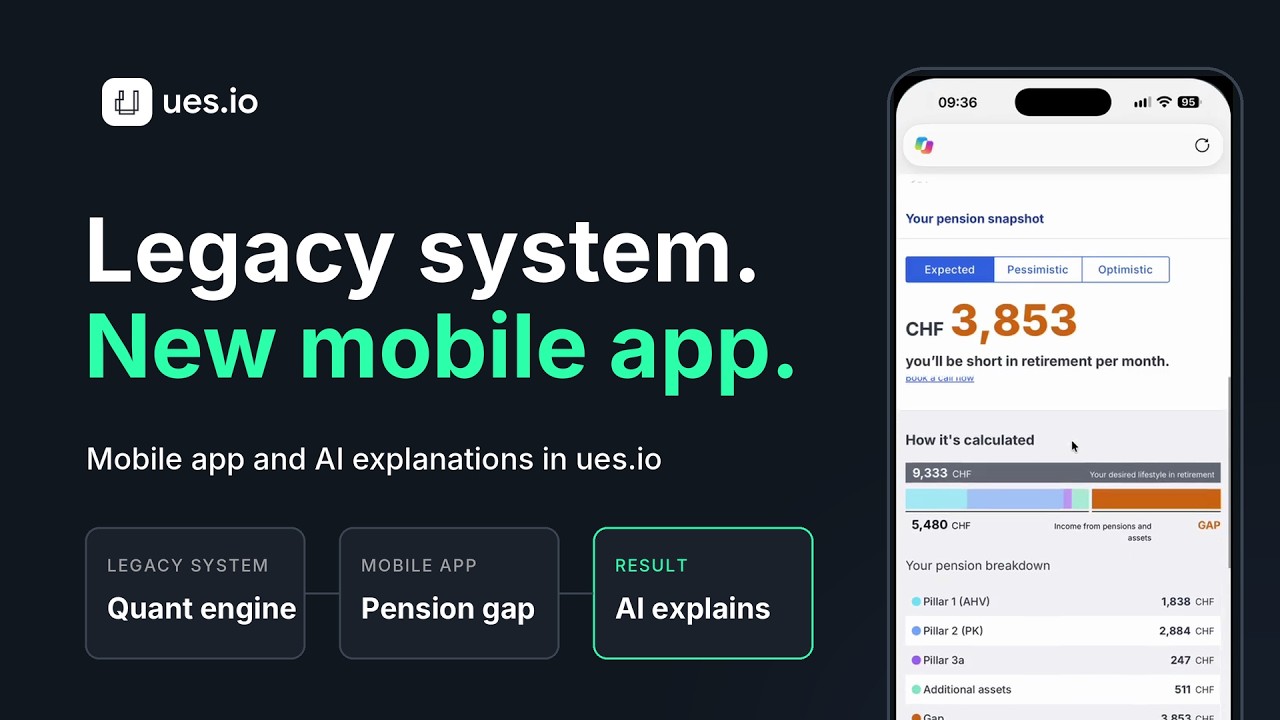 Demo video availablePut a mobile app and AI explanations on a legacy quant systemWatch the demo (1:53)
Case EXAMPLE:
Wealth Management Firm Modernizes Its Legacy Quant Engine — and Turns It Into a Product
The Problem:
A wealth management firm had spent years building a sophisticated quant system — the analytical engine behind its portfolio models and risk calculations, and a genuine source of competitive edge. But it was locked in a legacy stack: hard to extend, impossible to surface on mobile, and unable to connect to modern AI tooling. The firm saw an opportunity beyond its own use — to package the engine and sell it on to banks — but couldn’t expose decades of proprietary quant logic without a multi-year rebuild, and couldn’t risk that intellectual property or its clients’ data leaving its control. Operating under FINMA, GDPR, DORA, and the EU AI Act, any solution also had to be deployable inside their own perimeter, full stop.
The Solution:
Using ues.io, the firm modernized without rewriting the quant engine. ues.io connected to the legacy system as-is via OData and REST — the proven calculation logic stayed exactly where it was, now exposed cleanly through MCP. On top of that foundation, the team built modern, mobile-facing apps for advisors and clients, and orchestrated AI agents that drew on structured quant outputs as reliable context rather than fragmented inputs. Crucially, the whole thing was packaged as a multi-tenant application deployable to each bank instantly through managed packages — with record-level access controls, immutable audit logs, and human-approval checkpoints on any agentic action. Each downstream bank ran it inside its own infrastructure, so neither the firm’s IP nor client data ever left a controlled perimeter, and compliance was built into the infrastructure rather than promised on top of it.
Related demo
The wealth management example keeps the legacy quant engine in place and builds on top of it. This demo shows the same approach: a mobile app and AI explanations on a legacy quant system.
- A customer checks their retirement income gap on their phone
- ues.io calls the legacy quant system over REST
- The quant system keeps doing the maths
- AI writes a personal explanation from the customer’s own numbers
Jump to: The legacy quant system (0:41) · Explain it to me (1:04)
Demo app: Pension Gap. Sample data. A customer checks their retirement income gap on a phone, and AI explains the result from their own numbers.
The Savings:
The firm turned a static internal asset into a new revenue line — productizing its quant engine for banks without the multi-year, eight-figure rebuild that exposing it conventionally would have demanded, avoiding an estimated $10M+ in development and certification cost. Mobile and AI-powered experiences reached advisors in months instead of years, and the managed-package model let each new bank be onboarded in days rather than through bespoke integrations. Most valuable was preserving the proprietary quant logic as durable IP — modernized, monetizable, and fully governed — rather than rebuilt and put at risk.
The pattern holds across every regulated client we work with: your hardest-won systems are assets to build on, not liabilities to replace. We’ll connect to one of your legacy systems and stand up a modern, governed app on top of it in a half-day prototype session.
Capabilities
- Connect Claude, ChatGPT and other assistants that support custom MCP connectors
- Each user signs in with their own account, so requests run with their permissions
- Enable MCP read and write separately for each site
- Field-level permissions apply to every answer an assistant gives
- Every assistant call recorded: user, agent, model, prompt, response, tokens and cost
- No separate integration project and no copy of the data
Real World Examples
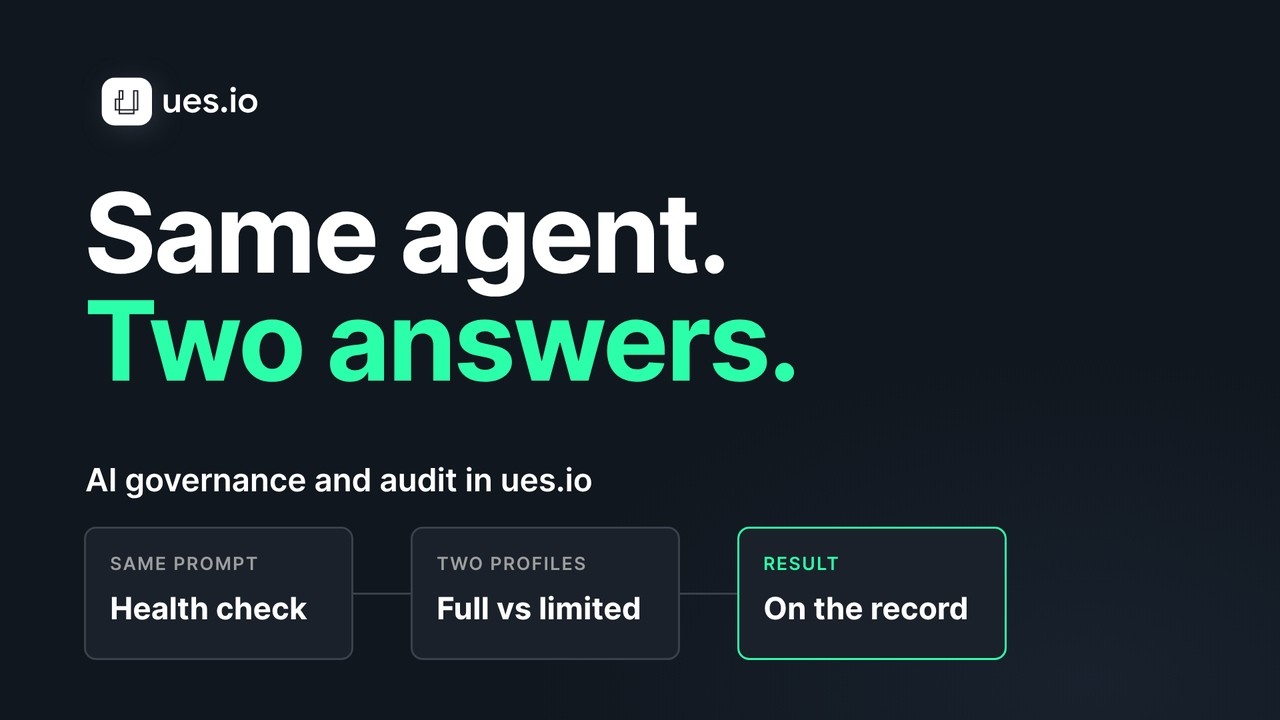 Demo video availableSame agent, two users, two answersWatch the demo (2:59)
Case EXAMPLE:
Hospital Group Lets Operations Staff Query Scheduling Data Through Their Own Assistant
The Problem:
A hospital group’s operations teams worked across theatre scheduling, bed management and supply systems. Answering a simple question, such as which theatre lists were at risk of overrunning next week, meant asking an analyst, who exported data to a spreadsheet. Staff had started pasting exports into public AI tools to save time, and the information security team could not see what had left the building. Banning the tools only pushed the habit out of sight, and a custom integration for each assistant had been scoped at several months of work.
The Solution:
The group exposed its scheduling and operations applications on ues.io as an MCP connector. Staff added the connector to the assistant they already used and signed in with their own accounts. Because every request ran under the person’s profile and permission sets, a ward coordinator saw only their own sites and fields, and detail that other roles did not need stayed hidden. The connector was read-only; write access stayed switched off. Information security reviewed the audit trail, which showed who asked what, through which assistant, and what came back.
Related demo
The hospital group example answers each person only what they may see. This demo shows the same agent giving two users two different answers.
- One agent, two users
- Each answer reflects that user’s own permissions
- The agent runs as a specific user (Vic Viewer)
- A read the user may not see is refused
Jump to: Run as Vic Viewer (1:22) · The refused read (2:21)
Demo app: HR People. Sample data. One agent runs as two different users and gives each a different answer, including a refused read.
The Result:
Operations teams got answers in minutes instead of waiting on analyst exports, and the pasting of exports into public tools tailed off. Security went from having no view of assistant use to a complete record of it. The analyst team moved from running ad hoc exports to improving the underlying applications. When the group later wanted write access for one workflow, it enabled it for that single site rather than rebuilding the integration.
Capabilities
- App Builder, Schema Builder and View Builder agents create apps from a conversation
- Agents write the same declarative YAML layer a developer would
- Changes are readable, version-controlled and validated by your normal rules
- Agent actions are audited like any other change
- Runs inside your trust boundary, including self-hosted and air-gapped deployment
- Developers review, refine and extend what the agents produce
Real World Examples
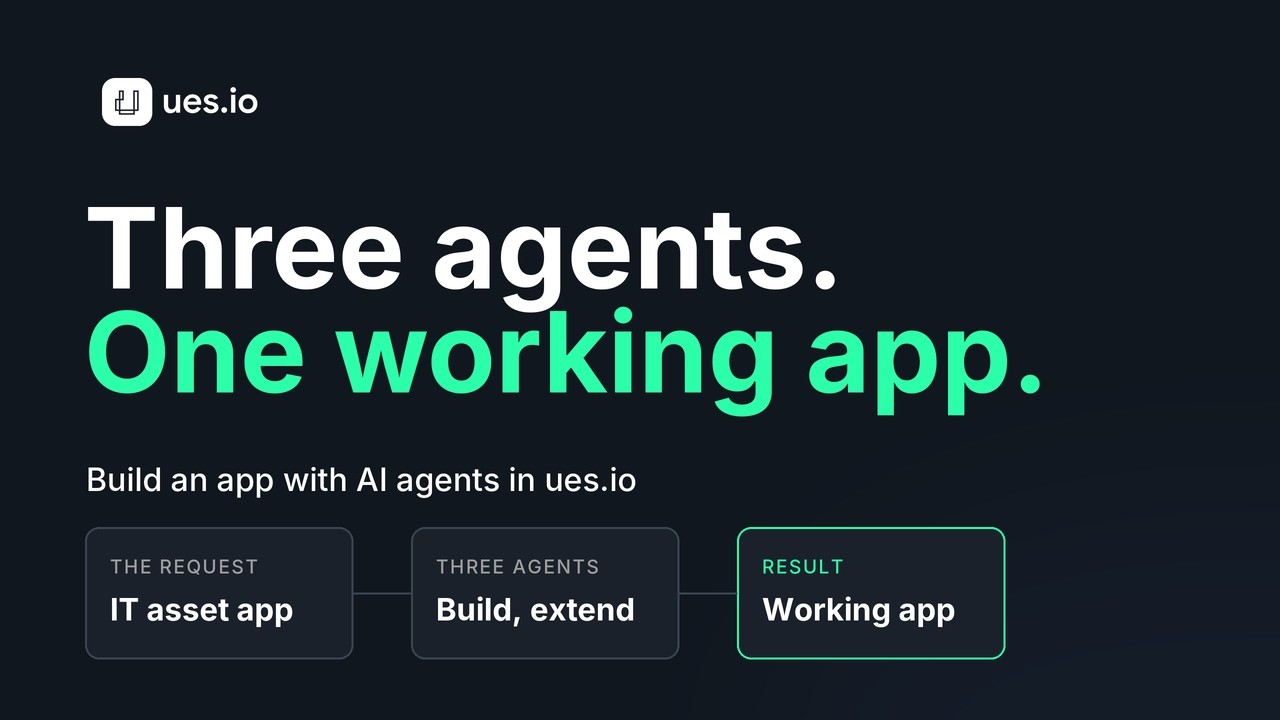 Demo video availableBuild a working app with three AI agentsWatch the demo (2:37)
Case EXAMPLE:
Insurer Builds a Claims Intake Tool in Days, Not a Release Cycle
The Problem:
A mid-sized insurer’s claims team handled new claims across a shared inbox, a spreadsheet and a legacy case system. Adjusters re-keyed the same details three times, and supervisors had no live view of what was waiting. The team had requested an intake application twice, and each time it joined an IT backlog behind regulatory work. Meanwhile the spreadsheet grew, and the data quality problems it caused showed up in month-end reporting.
The Solution:
A claims operations lead worked with the builder agents on ues.io. The Schema Builder agent defined the claim, policy reference and document collections, the View Builder agent created the intake form and the supervisor queue, and the App Builder agent assembled them into one application using the insurer’s existing profiles and permission sets. The agents wrote declarative YAML into a dev workspace. A developer reviewed the definitions, tightened two validation rules and published a bundle version through the normal release path.
Related demo
The insurer example builds a claims intake tool with builder agents. This demo shows three ues.io AI agents building a working app.
- Three AI agents build one working app
- The finished app, shown running
- View Builder creates the views and navigation
Jump to: The finished app (0:56) · View Builder: views and navigation (1:35)
Demo: three AI agents build a working app. Sample data. Shows the finished app and the View Builder creating views and navigation.
The Result:
The first working version reached adjusters within days instead of waiting for the next release cycle. Re-keying disappeared because the intake form wrote straight to one collection, and supervisors gained a live queue. Because the definitions were plain YAML in version control, the IT team could review every change the agents made and kept ownership of the application.
Capabilities
- Claude Code, Codex and other coding agents connect with the UESIO Connector for Agents
- The uesio-dev skill guides agents to build the way the platform expects
- Agents work in a dev workspace; publishing to a site is a separate step
- Definitions, workflows and permission sets export to your own Git
- Bundle versions give you release control and rollback
- Agent-built and hand-built apps follow the same schema rules and deployment path
Real World Examples
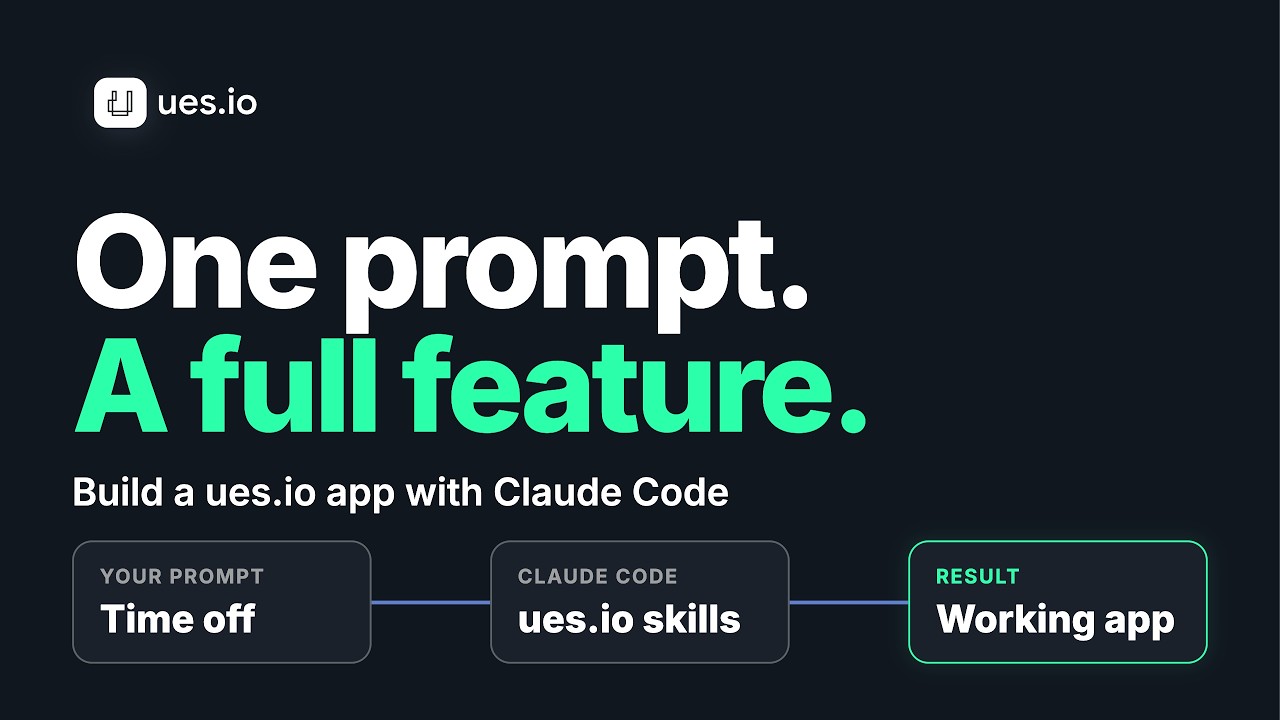 Demo video availableTime Off Requests from one promptWatch the demo (3:10)
Case EXAMPLE:
Retail Bank Adopts Coding Agents Without Opening a Side Door
The Problem:
A retail bank’s engineering teams wanted to use coding agents to deliver internal tools faster, but the risk team would not approve agents writing directly into production systems or generating code that nobody could review in the usual way. Developers were already trying agents on their own laptops against sample projects, which created a shadow process the bank could neither see nor govern. Each team was also rebuilding the same boilerplate for forms, validations and access rules.
The Solution:
The bank standardised on ues.io as the target for agent-built internal tools. Developers connected Claude Code through the UESIO Connector for Agents, with the uesio-dev skill, and the agents created collections, views and workflows in a dev workspace. Nothing reached a live site without a developer promoting a bundle version through the bank’s normal pull request and release controls. Because definitions were declarative and exported to the bank’s own Git repositories, reviewers read the same YAML they already knew, and permission sets travelled with the application.
Related demo
The retail bank example puts coding agents to work on internal tools. This demo shows Claude Code building a ues.io app feature from one prompt.
- Claude Code builds a Time Off Requests feature
- One prompt starts the build
- The result is tested in dev
Jump to: One prompt (1:20) · Test in dev (1:57)
Demo: Time Off Requests built from one prompt with Claude Code. Sample data. Shows the single prompt and the result tested in dev.
The Result:
Teams delivered internal tools faster, and the risk team had a single reviewable path instead of a shadow process. Agent-built and hand-built applications went through the same schema rules and release steps, so audit questions had one answer. The bank kept its repositories, its review process and its choice of coding agent.
Case EXAMPLE:
Insurer Cuts Claims Triage Cost by Matching Models to Steps
The Problem:
An insurer’s pilot used a single premium model to read every inbound claim document, classify it and draft a first assessment. The pilot worked, but at the volume of a normal week the cost projection was well above the business case, and nobody could say which steps drove it. The security team also wanted sensitive claims handled under tighter rules than routine ones, which the single-model setup could not express.
The Solution:
The team rebuilt the workflow on ues.io as an orchestrated flow. A lower-cost model classified each document and routed routine claims, while complex or ambiguous cases went to a stronger reasoning model. Sensitive claim types triggered stricter guardrails and a human-approval checkpoint before any recommendation was sent. The cost of each run was recorded by model, so the team could see exactly which steps spent what, and a per-user budget kept experiments within limits.
The Savings:
With cost visible by step, the team tuned the routing until the projected cost came inside the business case. Sensitive claims followed stricter rules than routine ones, and every decision was traceable in the audit trail. When a better model became available for the reasoning step, the team switched it without rebuilding the workflow.