
Overview
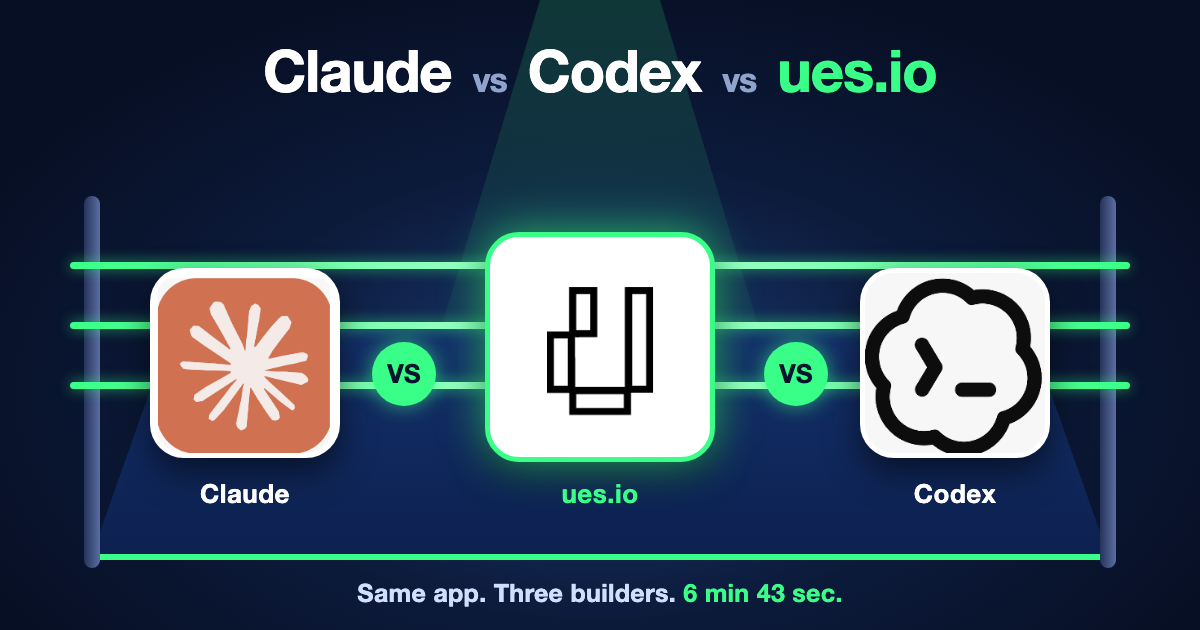
In a 63-minute webinar on 4 November 2026, Gregg Baxter and Mario Richard built the same leave request app twice from one prompt, once with Claude (Opus 5.5) and once with Codex (GPT-6.1 Sol), using the ues.io CLI and ues.io skill files. Claude finished in about 26 minutes and Codex in about 42, and both produced a working staff-submit, manager-approve app.
The connector is not an MCP configuration. The agent drives the uesio CLI as the signed-in user, guided by skill files, so records carry the real user’s identity rather than an agent persona. The pitch is a governed AI control plane: identity, permission sets, auditability, tenant and environment isolation, and swappable model providers.
What we did
We created two blank apps in Studio, leave_request for Claude and request_leave for Codex, each with a dev workspace, then ran each agent against a local clone with the same prompt.
We also created a third app, leave_request_app, with the ues.io AI App Builder. It finished in 6 minutes 43 seconds, and was not shown in the webinar.
For the ues.io app, we logged into ues.io Studio and selected + Create an App, then Build with AI. We added just the title of the app, used AI to refine the prompt, and selected Build with AI. The ues.io MCP Agents did the rest.
- In Studio, create an empty app (not App Kit) and a
devworkspace. - In the terminal, create a folder for the app (for example
~/GitHub/leave_request). - Run
uesio status(no host, user or workspace yet), thenuesio login. Status then shows the studio.ues.io domain. - Run
uesio app cloneand pick the app, which pulls the metadata locally. - Start the agent. Claude:
claude. Codex:codex --sandbox workspace-write --ask-for-approval on-request -c 'sandbox_workspace_write.network_access=true', which lets the session write files and use the network. - Run
/initso the agent reads the folder and app structure, then/skillsto confirm the ues.io skills (uesio-components,uesio-dev,uesio-docsand the CLI skill) are loaded. - Run
/modeland set the model: Claude Opus 5.5 with auto mode on, or Codex GPT-6.1 Sol at low effort. Terra was tried and judged too slow. - Paste the same prompt into both: „We need a simple leave request app. It should be simple and easy to use. This is for our staff to apply and the manager to approve. Use a modern design and navigation using uesio components. Let’s do it in stages and I will approve at each stage.“
Both agents proposed staged plans and asked clarifying questions before building. Claude asked through a form; the answers shown were that any manager can approve and that yearly allowances are not tracked.
Claude’s app has a theme and logo, login page, sidebar layout, home page, request form, approvals view, all-requests view, and staff, manager and admin profiles with permission sets. Codex’s app has my-leave and request-leave views, teal styling, a login screen and profiles. Gregg tested Claude’s app live: staff can read and create requests but not edit or delete them.
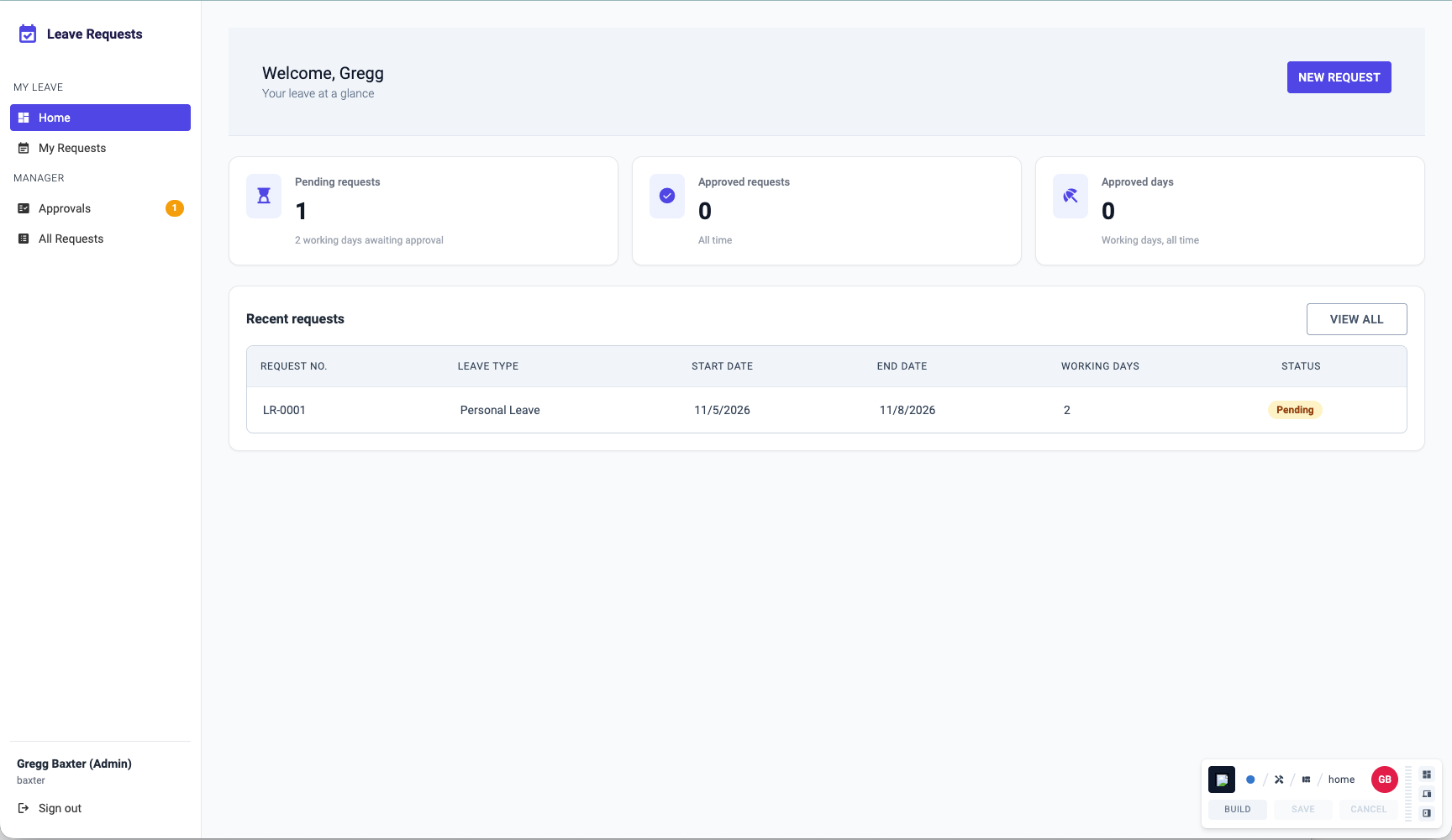
leave_request app built by Claude.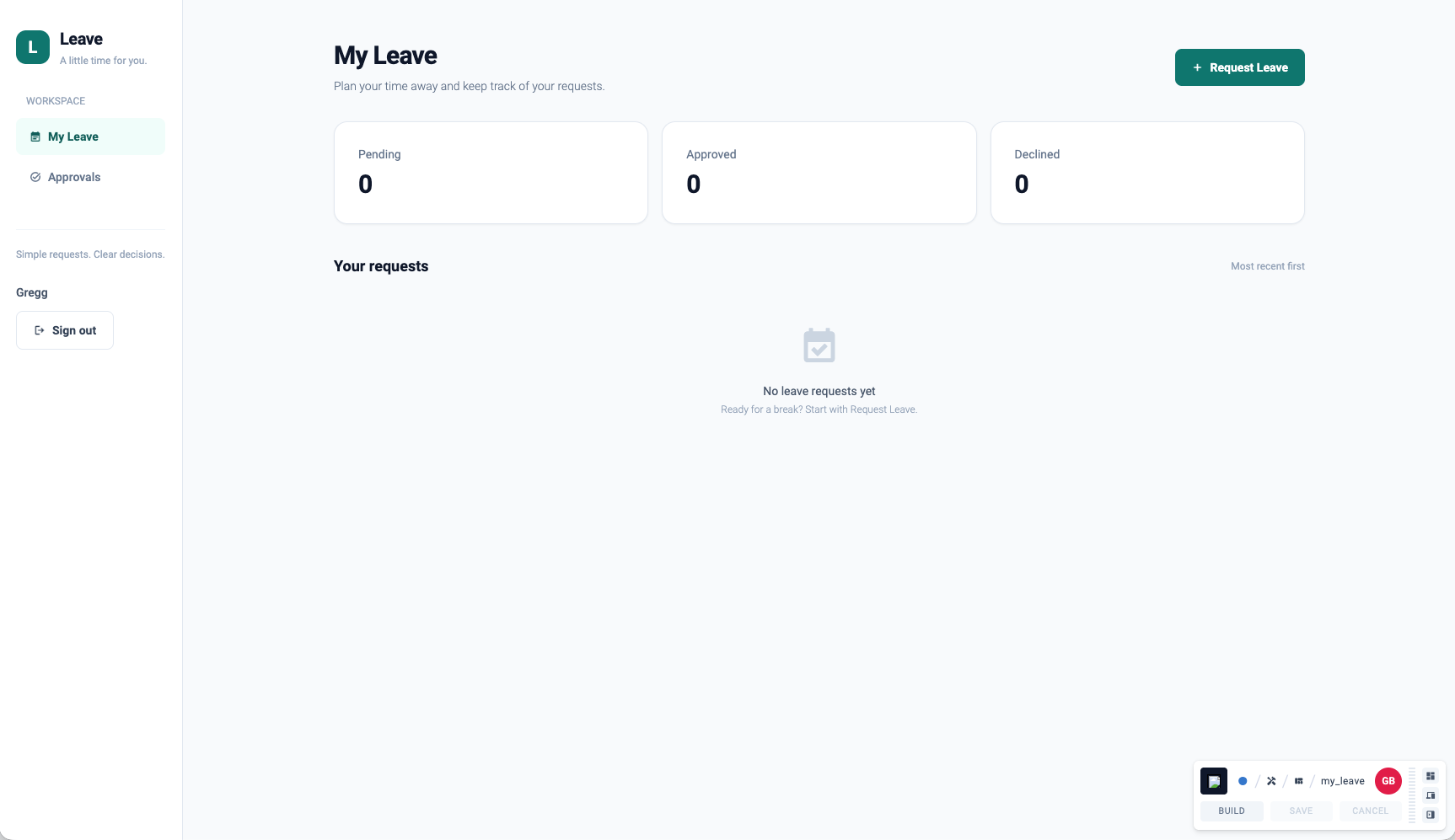
request_leave app built by Codex.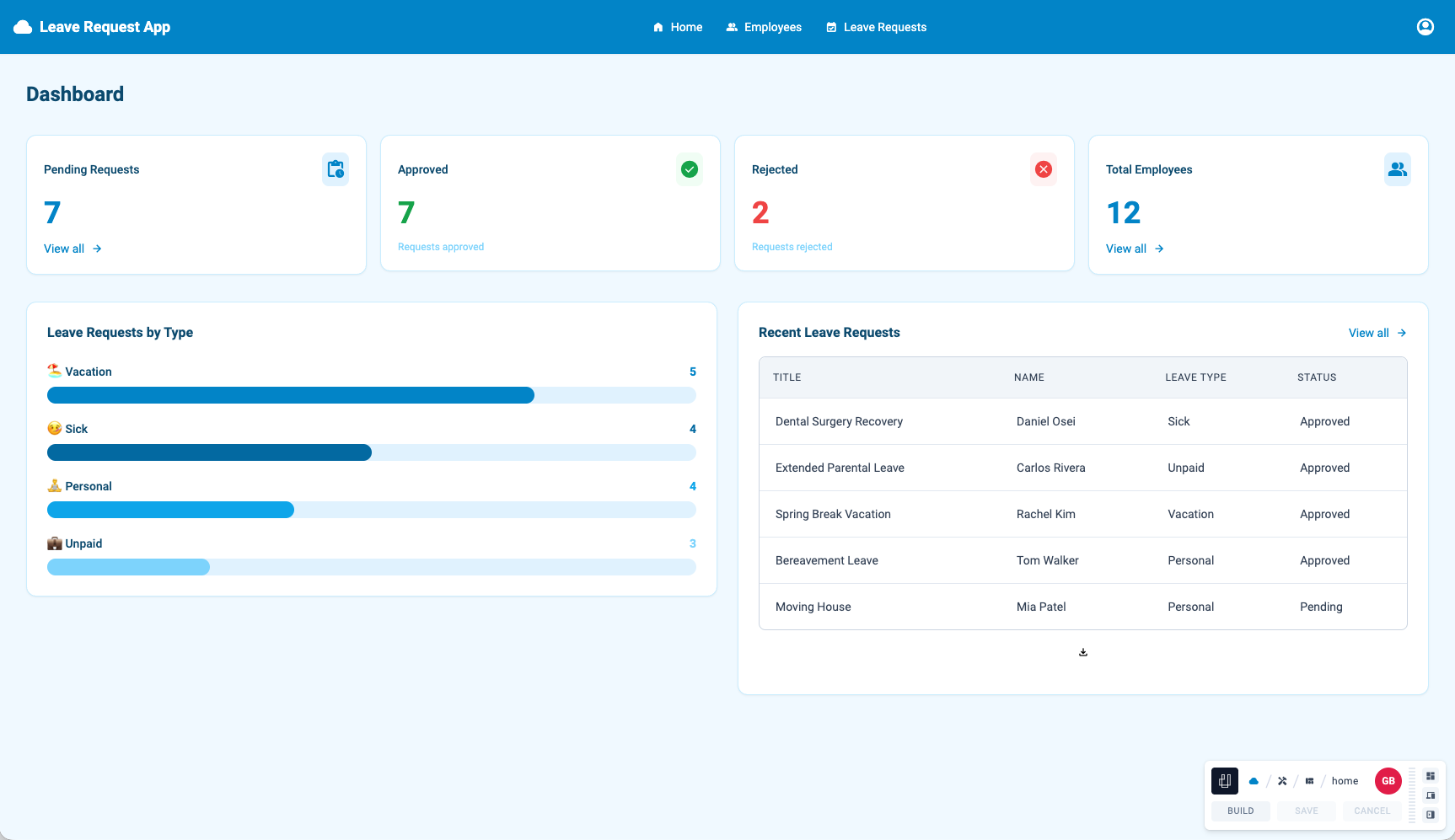
Claude vs Codex vs ues.io
Claude was about 16 minutes faster and stayed within the brief, while Codex took longer but tested its own work. Times are the presenters‘ start and finish remarks, not measurements. The ues.io AI App Builder column covers the third app, leave_request_app, which finished in 6 min 43 sec; its other rows were not recorded.
| Aspect | Claude (Opus 5.5) | Codex (GPT-6.1 Sol) | ues.io AI App Builder |
|---|---|---|---|
| Time to finish | About 26 min (17:14 to 17:41) | About 42 min (17:17 to 17:59) | 6 min 43 sec |
| Stages | 5, with approval at each | 4 (screens, roles and workflow; design; functionality; release), with approval at each | 8 (complete deployed app), no stages or approvals needed. |
| Clarifying questions | Asked through a form | Asked one at about 23:20 | Not required |
| Scope | Stayed to the brief; chose its own profiles | Went beyond it: created users, signed in as each profile and ran its own QA | Stayed within scope as per the ues.io MCP agent skills |
| Design | „Neat, pretty clean“ (Gregg) | „Nice login screen“, „really pretty screens“ | Nice screens with some graphs and more functional |
| Setup | Already signed in via the CLI session | Needed sandbox and network flags to write and use the network | None required |
| Cost | Higher @ $4 | @ $2 and about half the price of Opus, „double the time maybe“ | $1.44 |
This is not a like-for-like test. The models differ, Codex ran at low effort, and its setup was less controlled. In an earlier test of Gregg’s, Claude took 12 minutes while a Terra-class model took 3 but produced a design he scrapped. Mario’s framing: a cheaper execution model suits a detailed spec, and a reasoning model suits open-ended problems.
The conclusion – you can go faster with ues.io – The Unfair Advantage
We did not show the app that the ues.io AI App Builder built for the same leave request brief. It took 6 minutes 43 seconds.
That supports a different starting point: build the first version of your app in ues.io with the AI App Builder, then plug Claude or Codex in to make changes or add features. This is faster and more controllable, and it gives the agents a solid, governed base to work from.
Starting from a blank app is different. In Gregg’s experience, Claude and Codex tend to do their own thing outside the scope you gave them unless you stop them after every change to check.
Upcoming Webinars: www.ues.io/webinars
- Both agents work from the same CLI and skill files, so switching agent needs no ues.io-side change.
- Specs drive the result: Mario recommends spec-driven builds, Playwright tests and CI/CD with the CLI as the integration point. The agent follows whatever methodology or standards files you give it.
- Audience questions covered sovereign and open-weight models (a sovereign tier, plus a Swiss LLM effort with ETH) and context handling (skill files rather than stored context).
- Upcoming webinars: www.ues.io/webinars